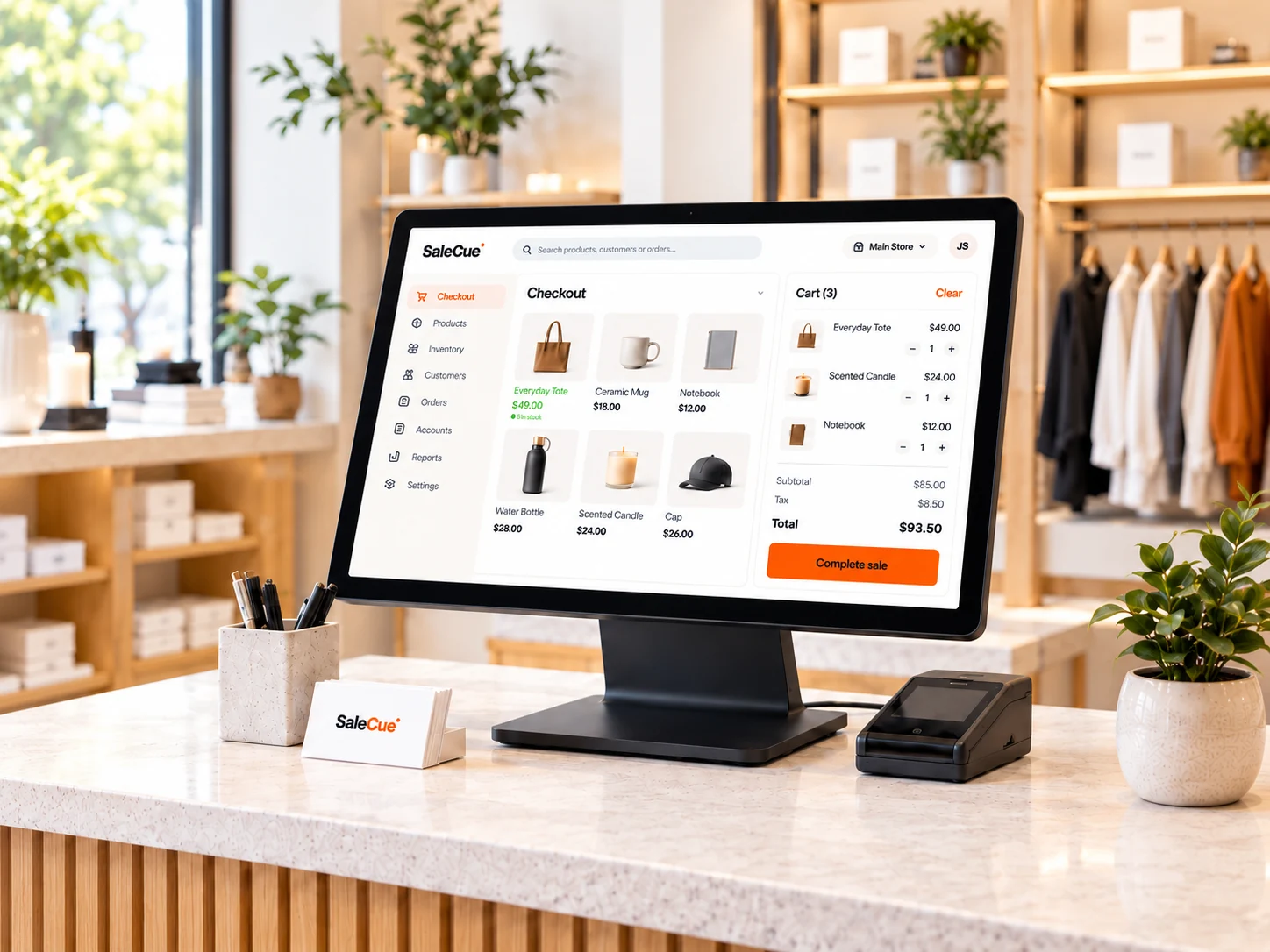
 Illustrative product concept
ONE CONNECTED WORKSPACE
From checkout to closing time,
see how it connects.
A sale is the beginning of the story. Explore the stock, customer and reporting workflows that surround it.
Make the sale
Start at the counter. Review item selection, quantities, payment and the receipt.
Explore the workflowFollow the stock
Trace the same items into the stock record, then review a delivery or count.
Explore the workflowConnect the account
Explore the customer record and how a payment or outstanding balance is recorded.
Explore the workflowReview the day
Compare the source transactions with the figures you use to assess your trading day.
Explore the workflowA CLOSER LOOK
Your working day.
Your product walkthrough.
Bring a familiar shop scenario and see the complete journey, including the exceptions your team handles.
Make the sale
Start at the counter. Review item selection, quantities, payment and the receipt.
Explore this areaFollow the stock
Trace the same items into the stock record, then review a delivery or count.
Explore this areaConnect the account
Explore the customer record and how a payment or outstanding balance is recorded.
Explore this areaReview the day
Compare the source transactions with the figures you use to assess your trading day.
Explore this area
EXPLORE THE PLATFORM
The details that make
a retail day work.
Start with the areas that matter most to your shop. Each product page gives you a practical way to evaluate the fit.
Checkout & billing
The counter, considered.
Review how a typical sale is recorded and what happens when it needs a correction.
Explore checkout & billingInventory management
Know what to look for in your stock.
Explore product records, physical counts and the movements that explain a quantity.
Explore inventory managementCustomer accounts
Keep the conversation connected.
Review account history, payments and balances using the way your shop works.
Explore customer accountsRetail reporting
Ask better questions about your day.
Compare totals with real transactions and identify the views your team needs.
Explore retail reportingYOUR STORE, YOUR WORKFLOW
Different shops.
A more relevant conversation.
Choose a store type and explore the questions that matter to your business.
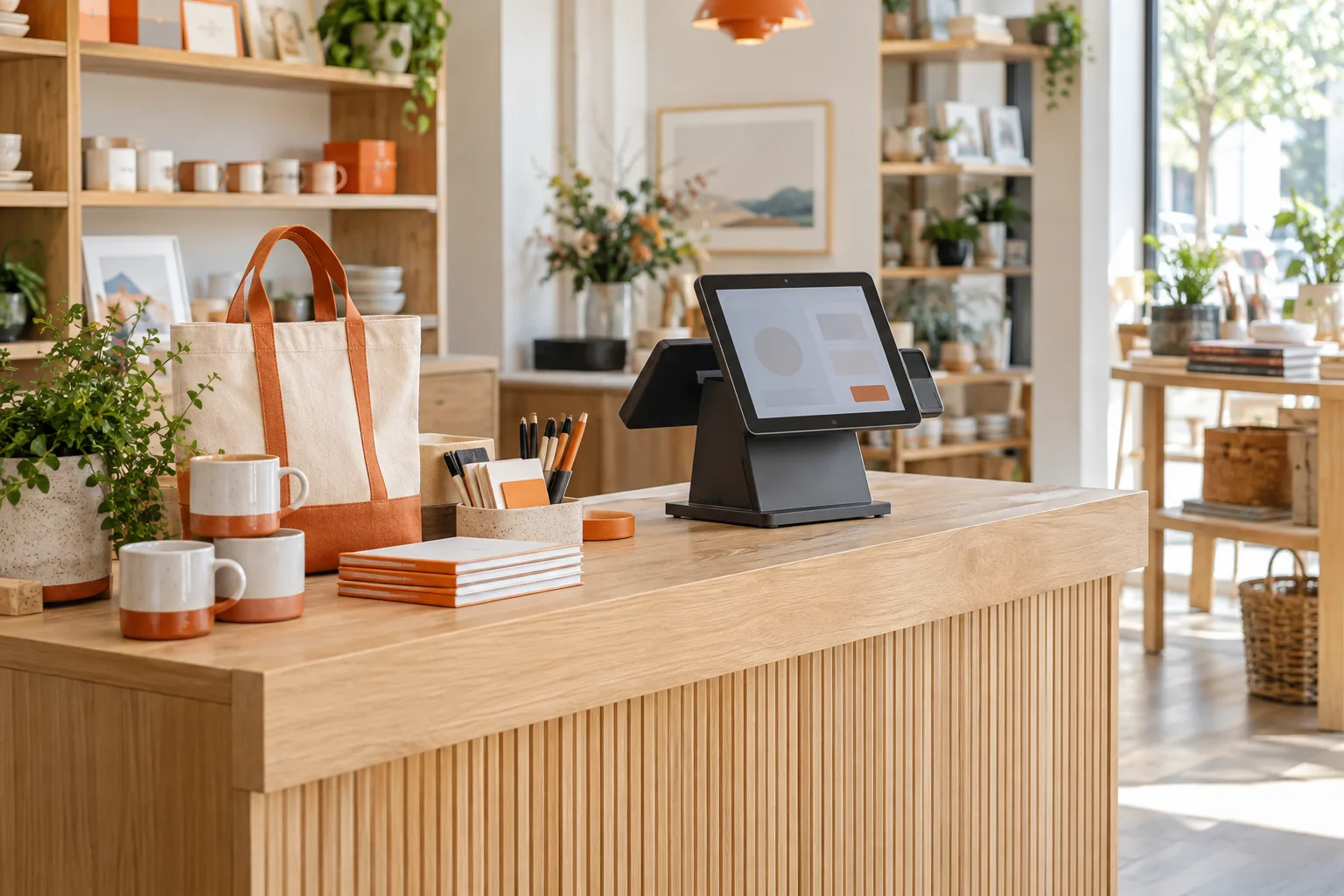
Retail shops
From the everyday sale to the end-of-day check.
Explore retail shops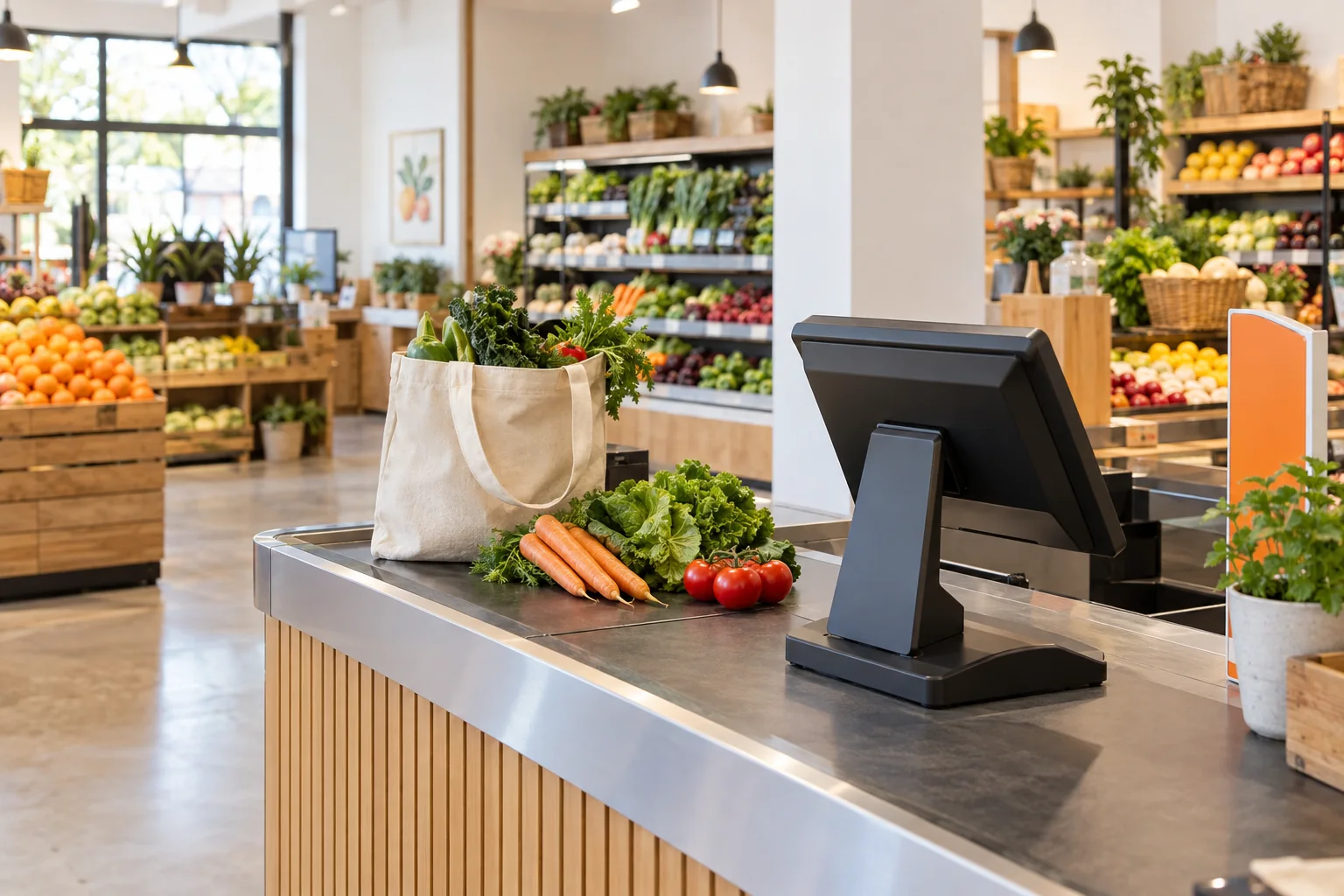
Grocery stores
Evaluate a busy basket, quantities and stock counts.
Explore grocery stores
Clothing stores
Bring your sizes, colours and return scenarios.
Explore clothing storesEvaluating POS for your market?
LOOK BEYOND THE TOTAL
Numbers mean more
when you can follow them.
A useful report should answer a question. In your walkthrough, trace a sale through its payment, account and stock records.
- What was sold, and how was it paid?
- Which movements explain the stock quantity?
- Which customer amounts remain outstanding?
170 sale − 140 payment = 30 balance
Opening units−2
Units sold=6
Expected units
Illustrative arithmetic only. Confirm the actual workflow in your demo.
A PRACTICAL START
Start with your shop.
Build a clear plan.
A useful conversation begins with the way you work today.
Discuss your shop
Tell us about your products, team, locations and current process.
Walk through the essentials
Use a typical sale and one exception to assess the product fit.
Confirm the setup
Agree on the demonstrated scope, data preparation, devices and assistance.
Review the subscription
Confirm the quote, responsibilities and service terms before committing.
SUBSCRIPTION POS
A subscription conversation
built around your setup.
Tell us how many people and stores will use SaleCue, the workflows you need and what help you want with setup.
What to include in your enquiry
- Your store type and country
- Your users and locations
- Your must-have retail workflows
- Your devices and current data
- Your setup and training requirements
Request a written quote with the scope and costs clearly stated.
BEFORE YOU DECIDE
Good questions.
Clearer decisions.
Start here, then bring your specific requirements to the conversation.
What is SaleCue?
SaleCue is a subscription POS offering focused on retail checkout, inventory, customer accounts and reporting. A guided demo helps you assess the workflows for your shop.
How much does a SaleCue subscription cost?
Contact us for a current quote based on your proposed setup. Confirm recurring fees, user and store limits, setup work and any additional costs before subscribing.
Can I use my existing devices?
Share the exact device, operating system, printer and scanner models you intend to use. Ask to test your setup before relying on compatibility.
Can I bring products and balances from my current system?
Discuss your product list, opening stock and customer balances in the demo. Confirm the import format, preparation work and responsibilities for your proposed setup.
Does it suit my country and store type?
Tell us your country, store type and receipt requirements. Confirm availability, local suitability and the demonstrated scope with SaleCue before committing.
What should I bring to the demo?
Bring a few sample products, a typical receipt and a transaction that is difficult in your current process. Use anonymised examples rather than real customer information.
THE RETAIL READING ROOM
Practical guides.
Better prepared decisions.
BUYING GUIDE
How to choose retail POS software
Compare workflows, costs and the evidence behind a product demonstration.
Read the guideSTOCK MANAGEMENT
How to evaluate inventory workflows
Use a practical receiving, sale and count exercise to assess stock records.
Read the guideDEMO CHECKLIST
Make your POS demo count
Bring a useful scenario and record what you actually see during the walkthrough.
Read the guideLET’S TALK ABOUT YOUR SHOP
Your next chapter
starts with a conversation.
See SaleCue through the products, payments and everyday tasks that matter to your business.