Checkout and POS billing
Start at the counter.
Follow every detail.
Explore a POS billing workflow around the way you sell. Review item entry, payments and receipts, then walk through the returns and interruptions your team handles.
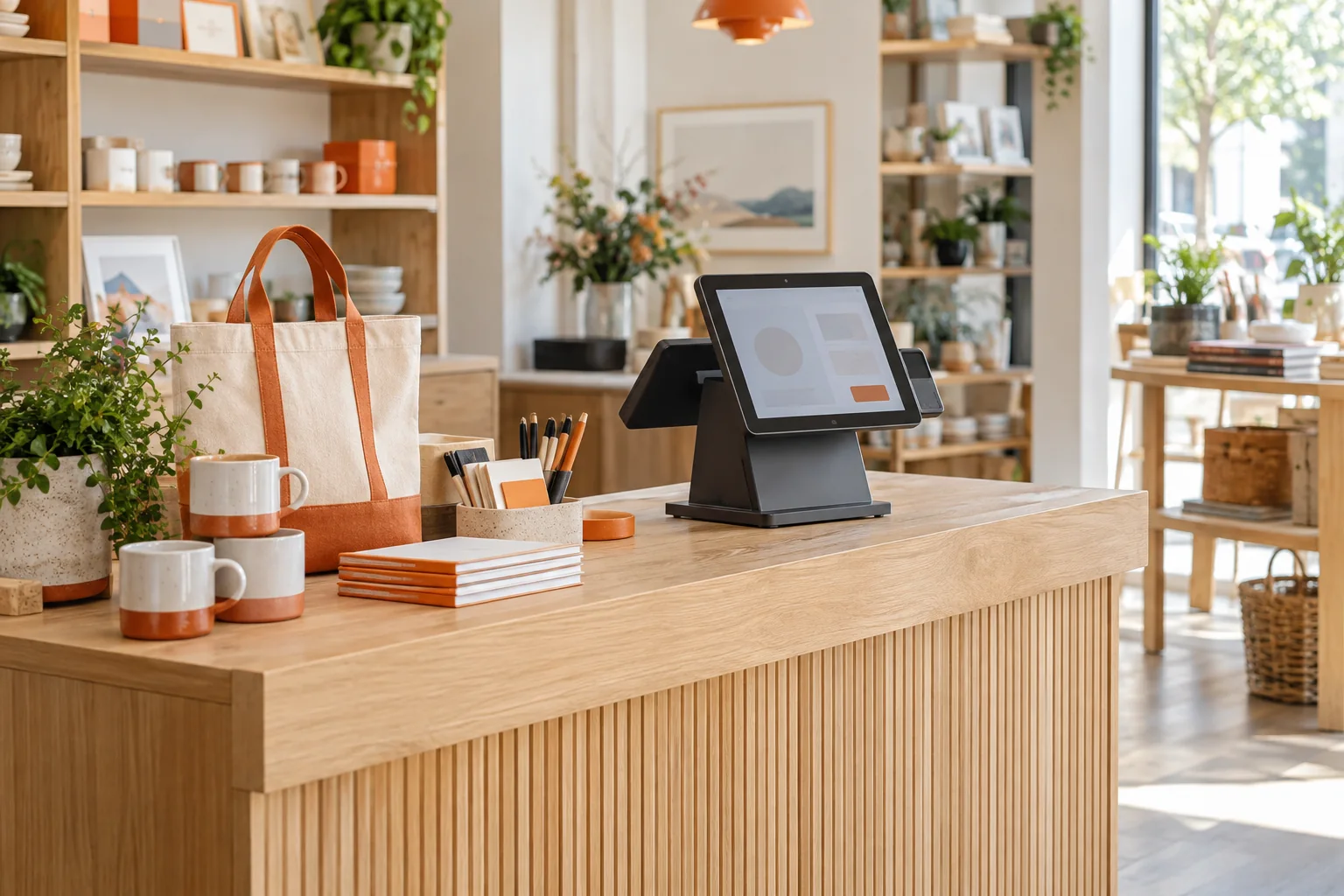
Start with the item and the total
Choose several products from your own catalog. Ask to see product search and, if required, barcode entry using your intended equipment. Check the item, quantity, unit price and total before payment. The result to look for is a sale your cashier can review clearly, without having to interpret unfamiliar test products.
Work through payment and receipt handling
Use a cash sale first, then discuss the other payment methods your shop accepts. If customers split a payment, ask to demonstrate that case and inspect the amount recorded against each method. Recording a payment method does not establish a connection to a bank, card terminal or payment gateway. Review the receipt layout and test printing on the intended setup.
Test the interruption and the exception
Ask to hold an unfinished cart, complete another sale and resume the first. Then apply an agreed discount and return only one item from a completed sale. Check the refund amount, the resulting stock position and how the original transaction remains identifiable. These scenarios reveal more about daily usability than a clean sale alone.
An illustrative counter check
Use two items priced at 100 and 50 in your chosen currency. With no tax or discount in this test, the total is 150. Record payments of 100 and 50 if split payments are required. Return the item priced at 50 and check the refund and stock treatment. These figures are an evaluation example, not a price or tax policy.
Agree on the rules staff will follow
Decide who may change a price, apply a discount or approve a refund. Ask to demonstrate the relevant access restrictions and how exceptions appear in records. Confirm receipt requirements and any local tax needs separately; a POS billing screen alone does not establish fiscal compliance.
A few useful answers
Before we talk.
Bring the questions that matter to your shop. Start with these.
Can I use my scanner and receipt printer?
Provide the model, connection method, operating system and browser. Ask for a test of your intended setup before purchasing equipment or relying on compatibility.
How should I assess returns?
Return one item from a multi-item sale. Compare the refund, stock handling and reporting with the original receipt, including your discount and tax rules where relevant.
Does a recorded card payment mean the POS processes cards?
No. Payment recording and payment processing are different workflows. Confirm any gateway or terminal connection, merchant eligibility and fees separately.
Show us a typical sale—and an awkward one
Bring a receipt, your payment methods and one return scenario so the demo can focus on your counter.