SaleCue resources
Retail resources for better buying decisions
A software demo should help you decide how your shop will work. These guides turn broad feature lists into specific questions, sample transactions and records you can check.
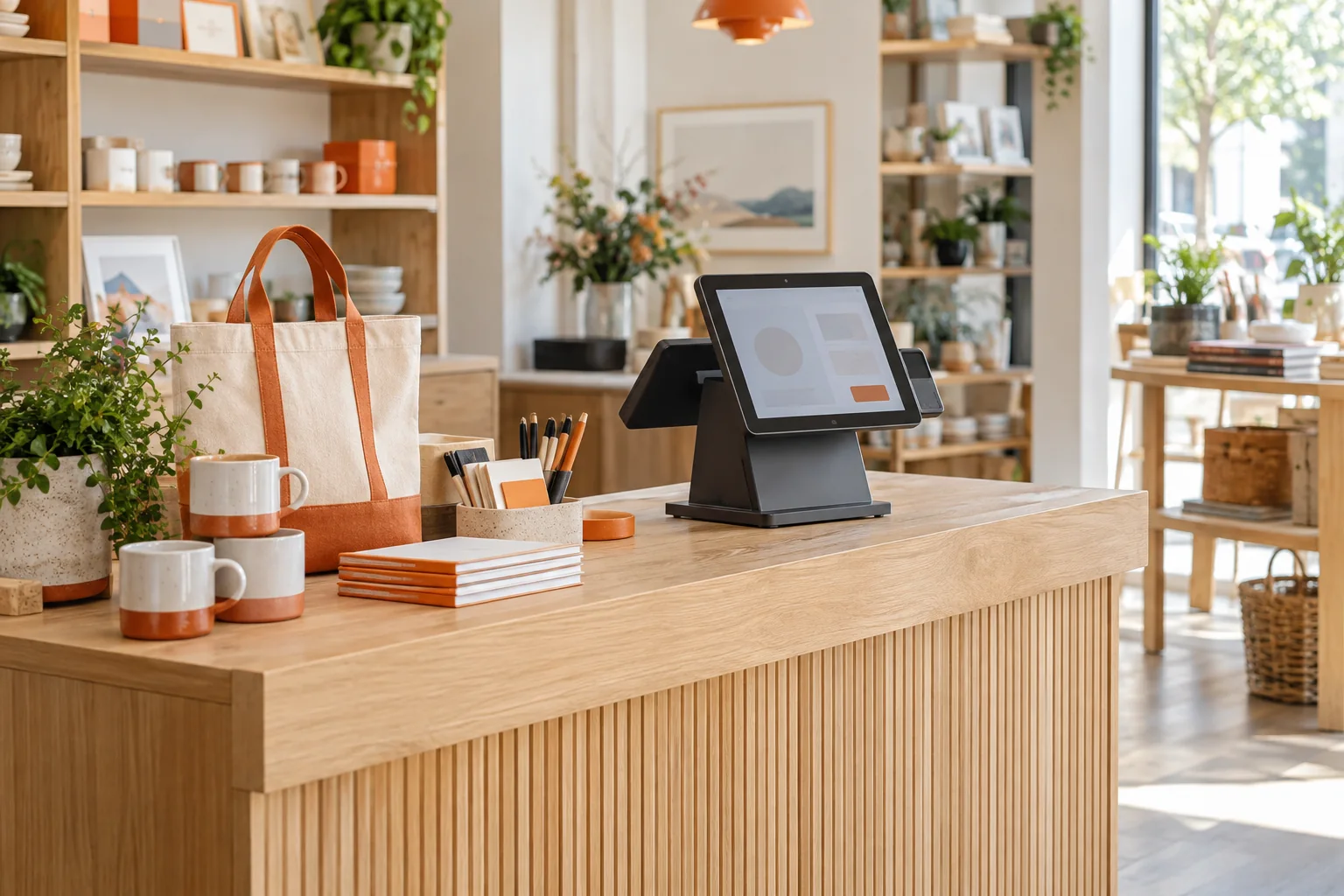
Start with the decision you need to make today. Each guide includes a practical worksheet and a next step you can use with SaleCue or another supplier.
Choose retail POS software
Define your essential workflows, compare evidence and costs, and use a weighted scorecard without letting a missing essential feature disappear into an average.
Evaluate inventory workflows
Follow one product from receipt to sale, return, transfer and stock count. Use a worked example to check whether the movements reconcile.
Prepare a useful POS demo
Bring a small sample catalog, run realistic tasks and record what passed, what failed and what still needs proof.
Choose a starting point
- Buying your first system? Begin with the selection guide and write your three most important shop workflows.
- Stock records keep drifting? Begin with the inventory guide and reconstruct the movement of one item.
- Already have a shortlist? Use the demo checklist to compare suppliers against the same tasks.
Bring the questions into a SaleCue demo
Explore checkout and billing and inventory workflows, or review the retail POS use case. Then ask to see the tasks that matter to your shop.
Product suitability depends on your workflow and the configuration being demonstrated. A general feature description is a starting point; check the transaction results, device behavior and subscription terms before deciding.