Plan a POS around the full working day.
Enquire about retail POS software in Sri Lanka with a clear picture of your counter, receipt languages, equipment and daily close.
Sri Lanka availability, subscription fees and service arrangements need confirmation before you plan a setup.
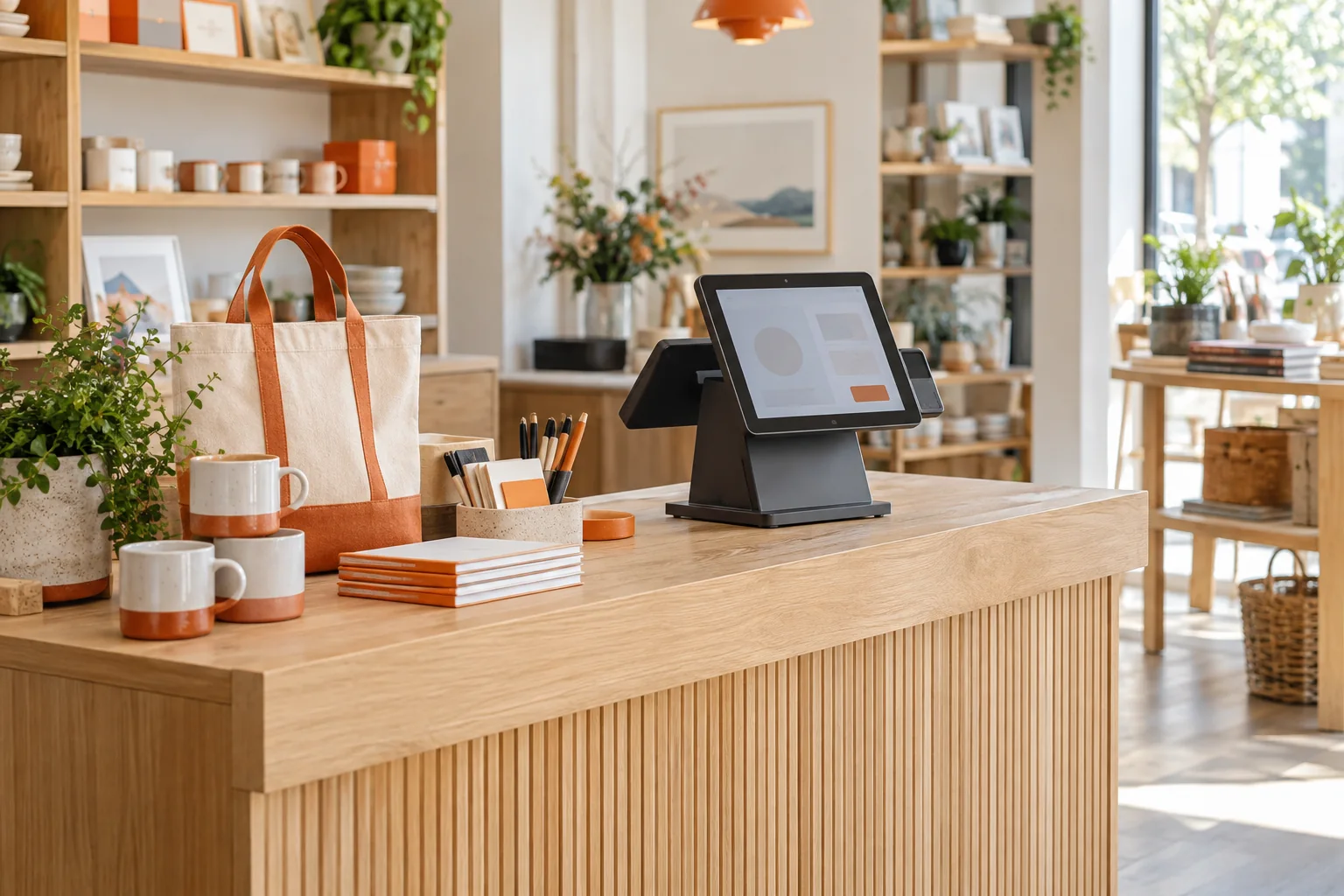
Connect the receipt to the day’s figures.
Describe an ordinary sale, a discount and a return. Then explain how the owner reviews those records at closing time. This gives the enquiry a concrete starting point.
A cashier’s day
Discuss product selection, a sale and a correction using a realistic basket and receipt example.
Explore billing topicsStock and units
Bring your actual units and variants. Include opening quantities, received stock and a returned item.
Explore inventory topicsEnd-of-day review
Describe the totals and transaction records your owner or manager needs to compare at closing time.
Explore reporting topicsA receipt has to work on your counter.
List operator, training and customer-document languages separately. If Sinhala or Tamil is required, ask to see the relevant screens and printed output. Share your printer, scanner, device and browser details alongside those needs.
- Operator and training languages
- Receipt scripts and mixed-language layout
- Exact printer and scanner models
- Connectivity and recovery requirements
Sinhala or Tamil support, device compatibility and offline behaviour are not confirmed on this page. Discuss the exact setup you need.
Make the setup discussion measurable.
Start with one representative working day and agree what a suitable setup would need to demonstrate.
Prepare a sample
Bring a basket, receipt, stock quantities and a daily-close example.
Discuss the fit
Review language, equipment and connectivity needs alongside the retail workflow.
Confirm the scope
Agree availability, fees, import, training, support and data export before starting.
What to bring
- Shop type and outlet count
- A sale, return and daily-close scenario
- Receipt and staff language needs
- Device, printer and scanner details
Ask for the full local scope.
Confirm billing currency, payment term, recurring and setup charges, user or outlet limits, equipment responsibilities, data migration, support and export arrangements. Arrange a business-specific receipt review before adoption.
Ask about setup and costsYour questions, answered.
Can I arrange a SaleCue setup in Sri Lanka?
Contact us with your retail requirements to discuss availability. Confirm the implementation and support arrangements before scheduling a rollout.
Are Sinhala or Tamil supported?
Tell us where each language is required: operator screens, training, customer receipts or support. Ask about the exact available scope; these capabilities are not confirmed here.
What if my connection is interrupted?
Describe how connectivity affects your intended counter setup. Ask to see the actions and recovery steps you would rely on before choosing a system for that situation.
Are local prices listed here?
Local subscription and setup fees are provided by enquiry. Request a written scope covering charges, responsibilities and service arrangements.
Start with one working day.
Share your receipt languages, equipment and a daily-close scenario so the conversation can focus on your shop’s requirements.