SaleCue product overview
Your shop.
Your working day.
Explore SaleCue.
Explore checkout, inventory, customer accounts and reports through the everyday tasks of your retail business. Start with the workflow. Discuss the subscription that fits it.
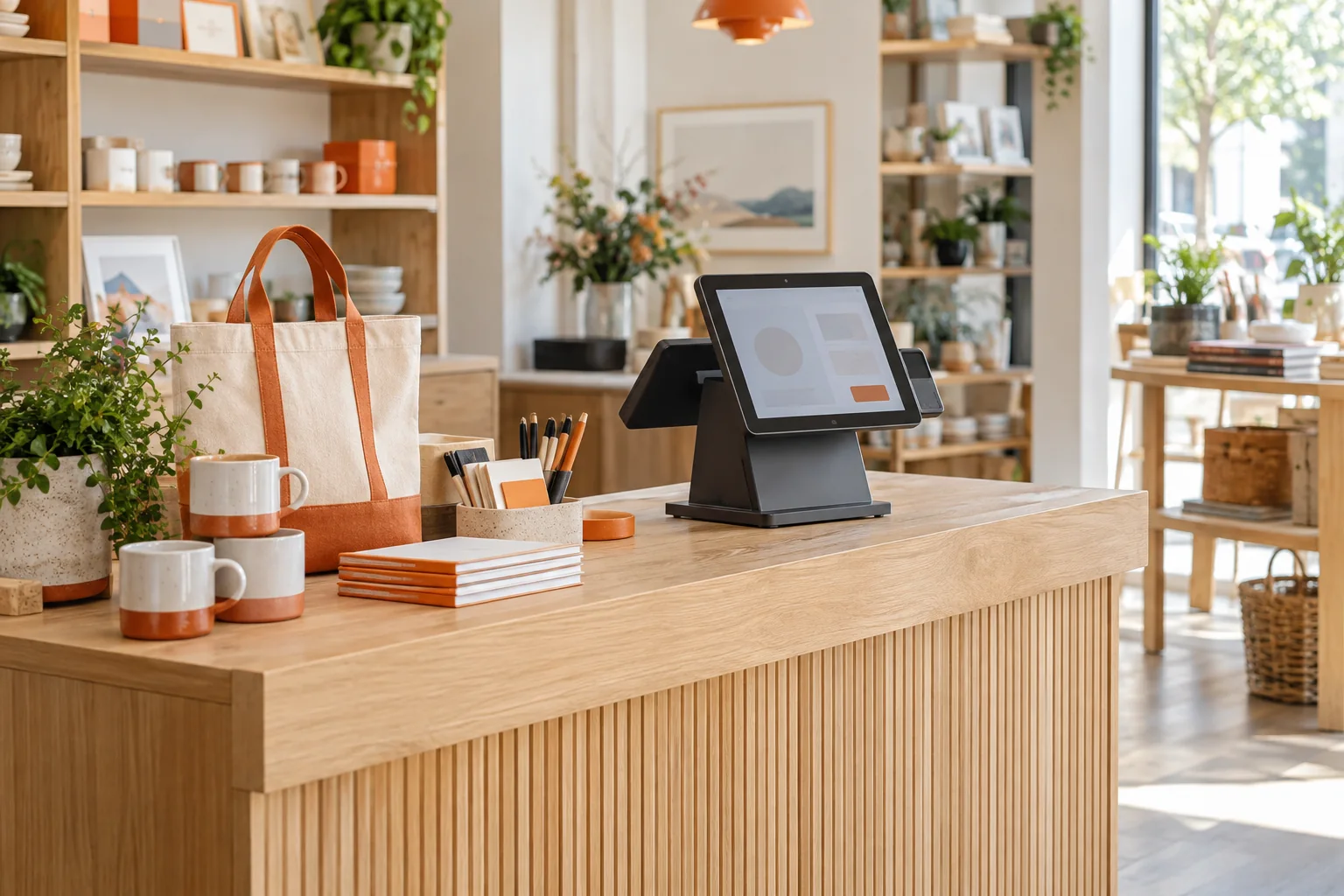
Follow a sale beyond the receipt
A customer buys two items, pays for one and asks to settle the rest later. The useful question is what happens next: which stock changes, where the outstanding amount appears and how the sale is represented in a report. Ask to follow that same transaction across the demo rather than viewing unrelated screens.
Four parts of the retail workflow
Checkout and billing
Review how staff find an item, check quantities and prices, record payment and deal with a return.
Explore checkout and billingInventory management
Trace a delivery, a sale and a physical count to understand how stock differences are handled.
Explore inventory managementCustomer accounts
Walk through a sale on account and a later payment. Check what staff can see and change.
Explore customer accountsReporting
Compare the day’s transactions with the report totals you would use to review the business.
Explore retail reportingChoose a demo your team can judge
Bring a small product list, a typical receipt and one difficult transaction. For example, use a discounted sale followed by a partial return. Agree on the result you expect before the demonstration, then check the receipt, stock movement, customer balance and report together. Sample amounts are test data, not SaleCue prices.
Discuss the move from your current process
If you keep stock in a spreadsheet or customer balances in a notebook, identify the records you need to carry forward. Discuss catalog preparation, opening stock, opening balances, staff access and training. Confirm what setup assistance is included in your proposed subscription and what needs separate work.
Decide on fit before choosing a subscription
Request a written scope covering the demonstrated workflows, users and outlets, setup, renewal and cancellation terms. Bring your intended devices and connectivity requirements to the discussion. Availability, support arrangements and subscription prices need confirmation for your business.
A few useful answers
Before we talk.
Bring the questions that matter to your shop. Start with these.
What should I see in a product demo?
A complete shop scenario: add products to a sale, record payment, inspect the resulting stock and customer records, and compare the report with the source transactions. Include an exception such as a return.
Is SaleCue sold as a subscription?
Yes. Ask for the current subscription scope and quote, including user and outlet limits, setup charges and renewal terms.
Can I assess more than one outlet?
Bring that requirement to the demo. Ask to see stock, access permissions and reporting across your proposed outlets before relying on a multi-store workflow.
Bring your shop’s workflow to the demo
Tell us what you sell, how your team records payments and which daily task needs the most attention.